Change your site yourself
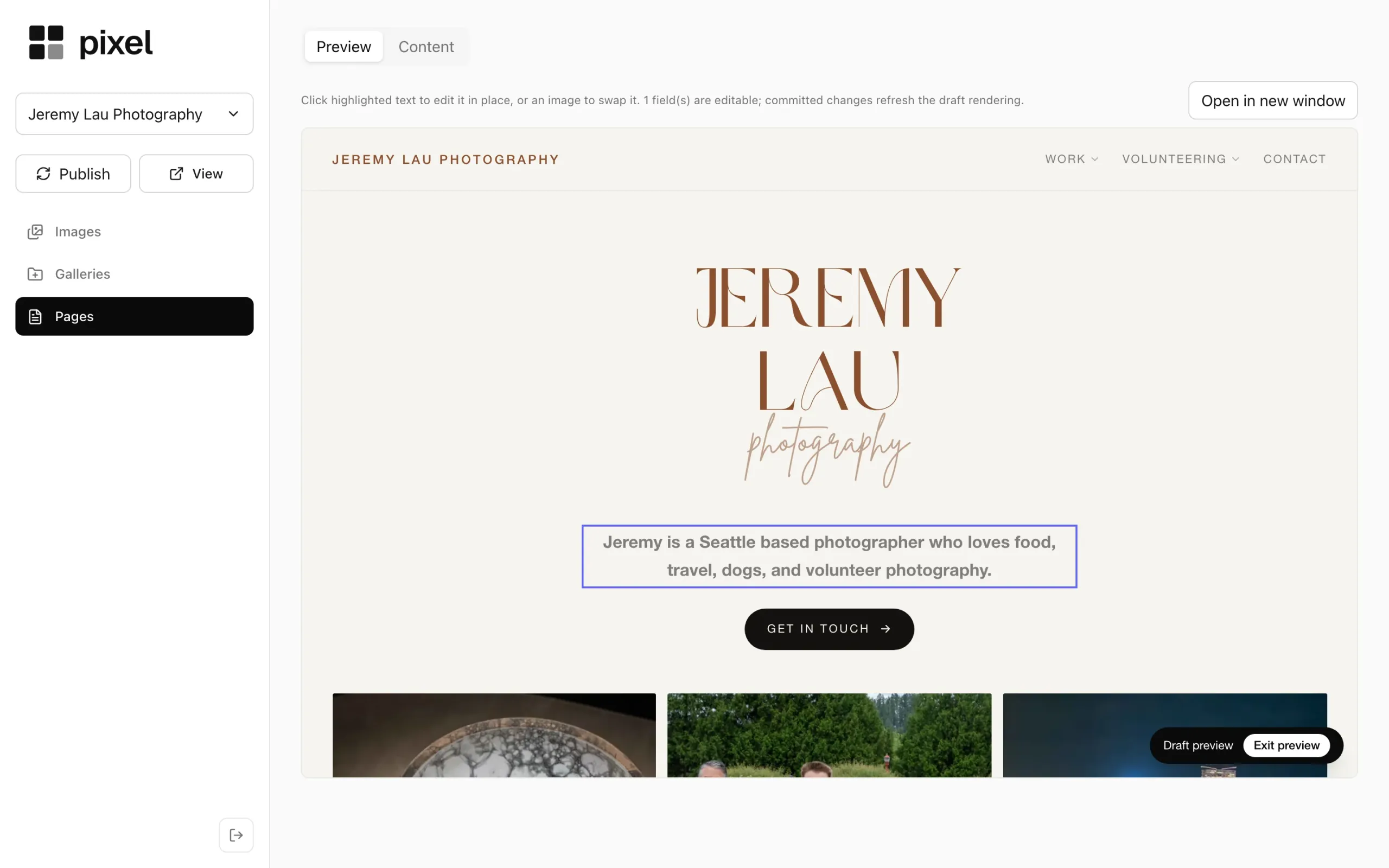
Pixel lets you change the content of your site quickly and on your own. You see your real site, click the words or photos you want to change, and publish when it looks right.
A small business site goes stale when every update means emailing someone and waiting. New prices, new photos, different opening hours: changes like these should take you a minute, not a week.
Pixel gives you that minute. It isn’t a page builder, so you can’t break the design by accident. Together we decide which parts of the site you’ll want to change, and Pixel makes exactly those parts editable.
How it works
Click what you want to change
Editable words are outlined on the page itself. Click one, type the new text, and the preview shows it in place, on your real site.

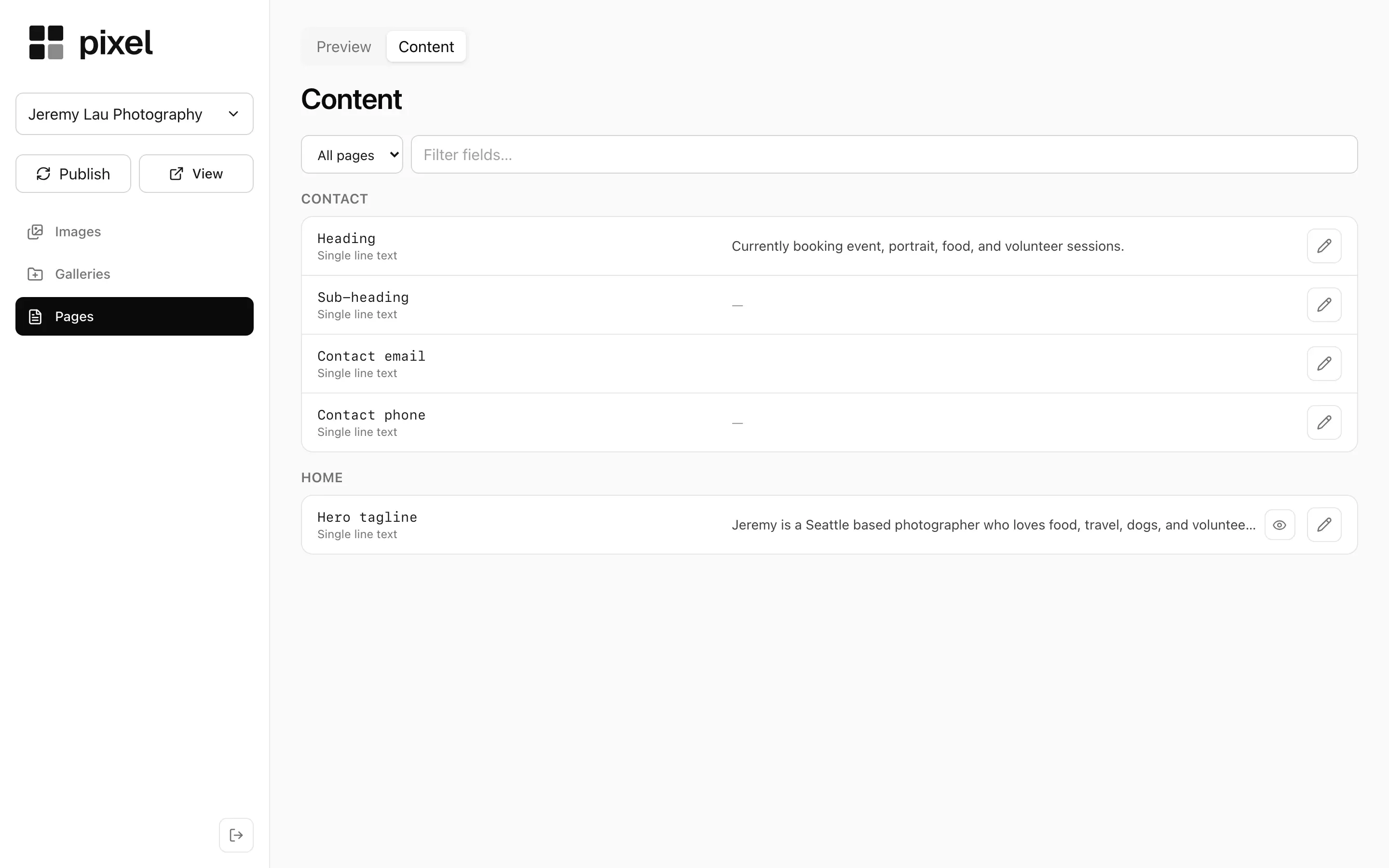
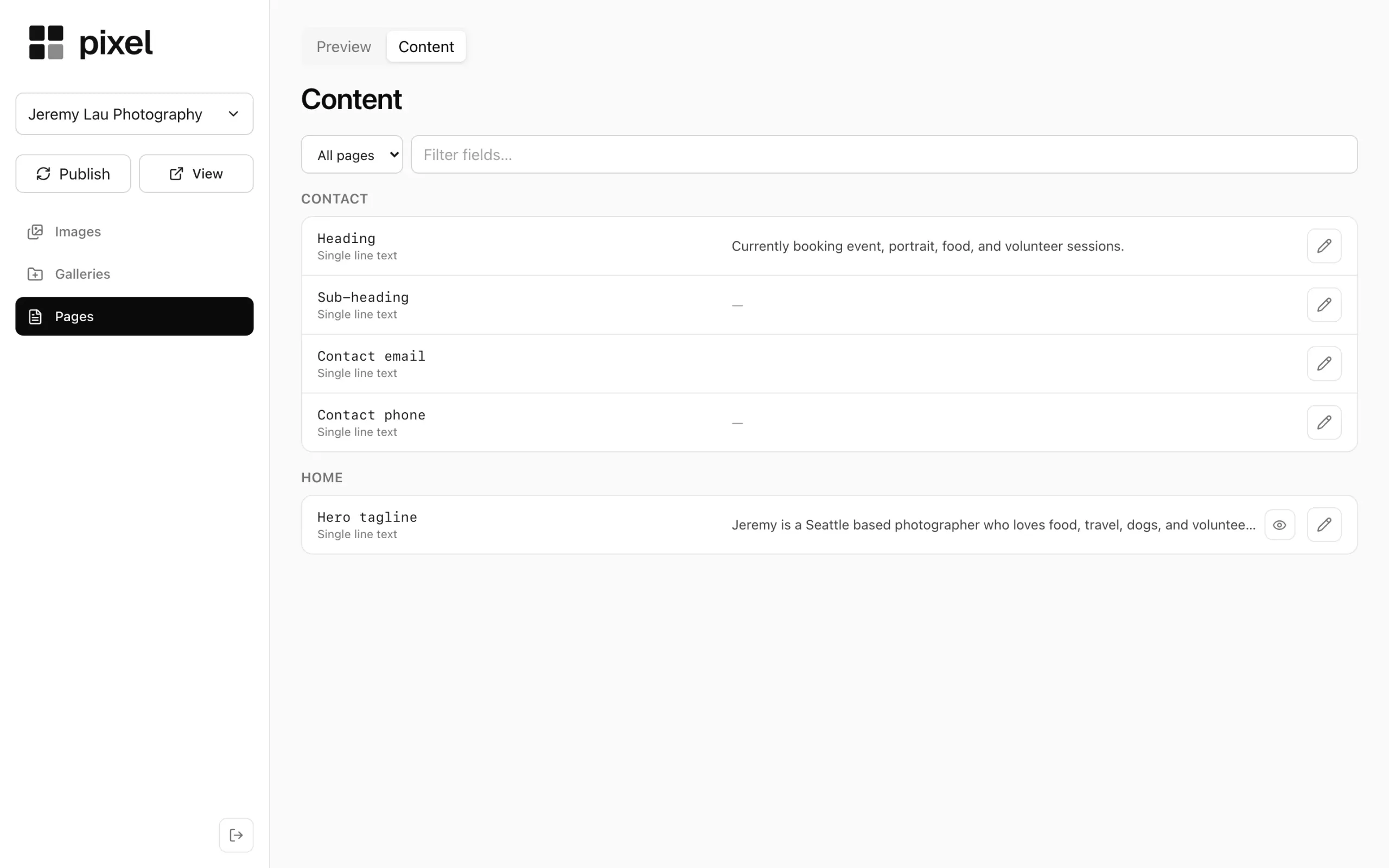
Or find it in one list
The Content tab lists every editable piece of every page, from headings to contact details, so nothing is hard to find.
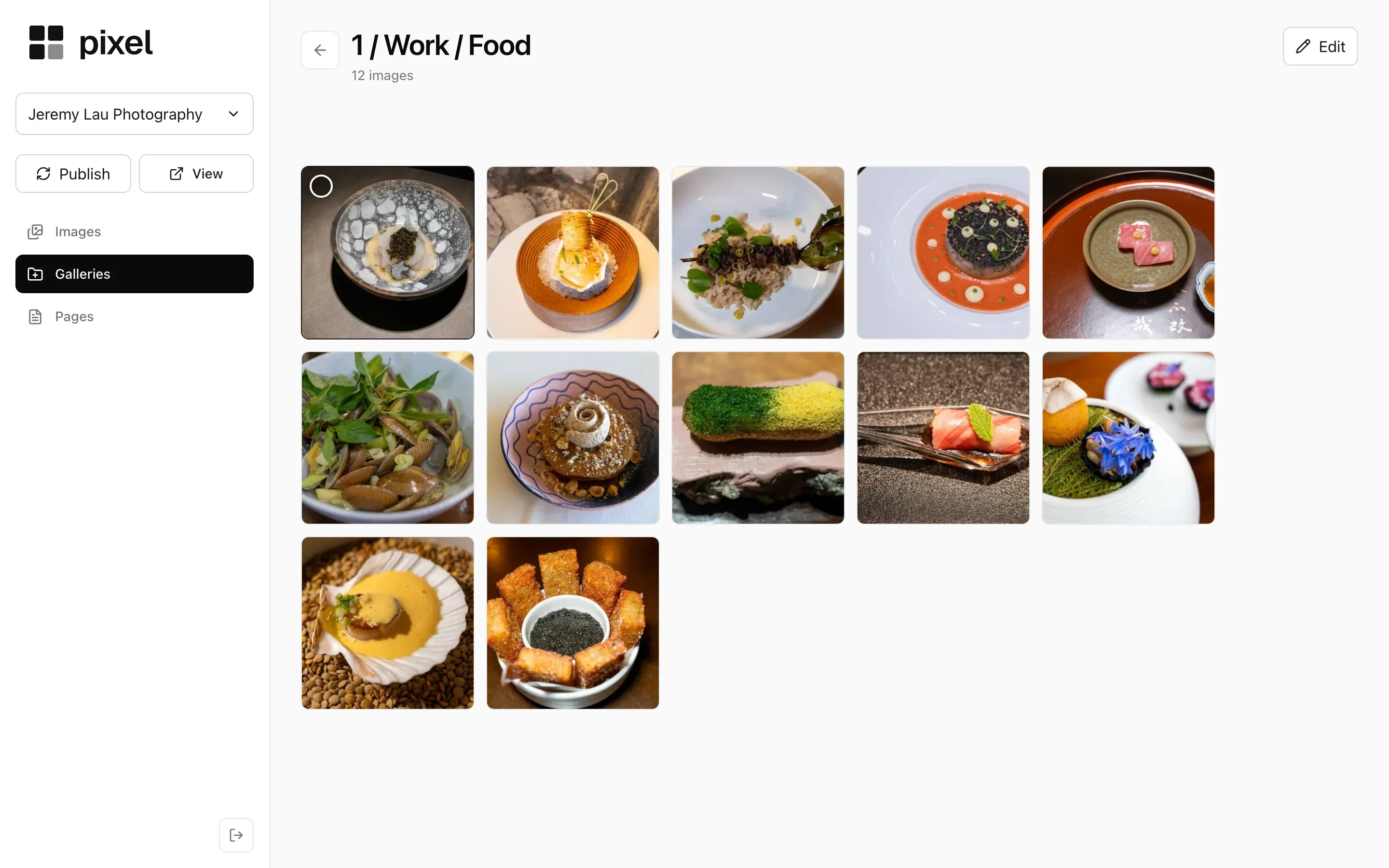
Add and arrange photos
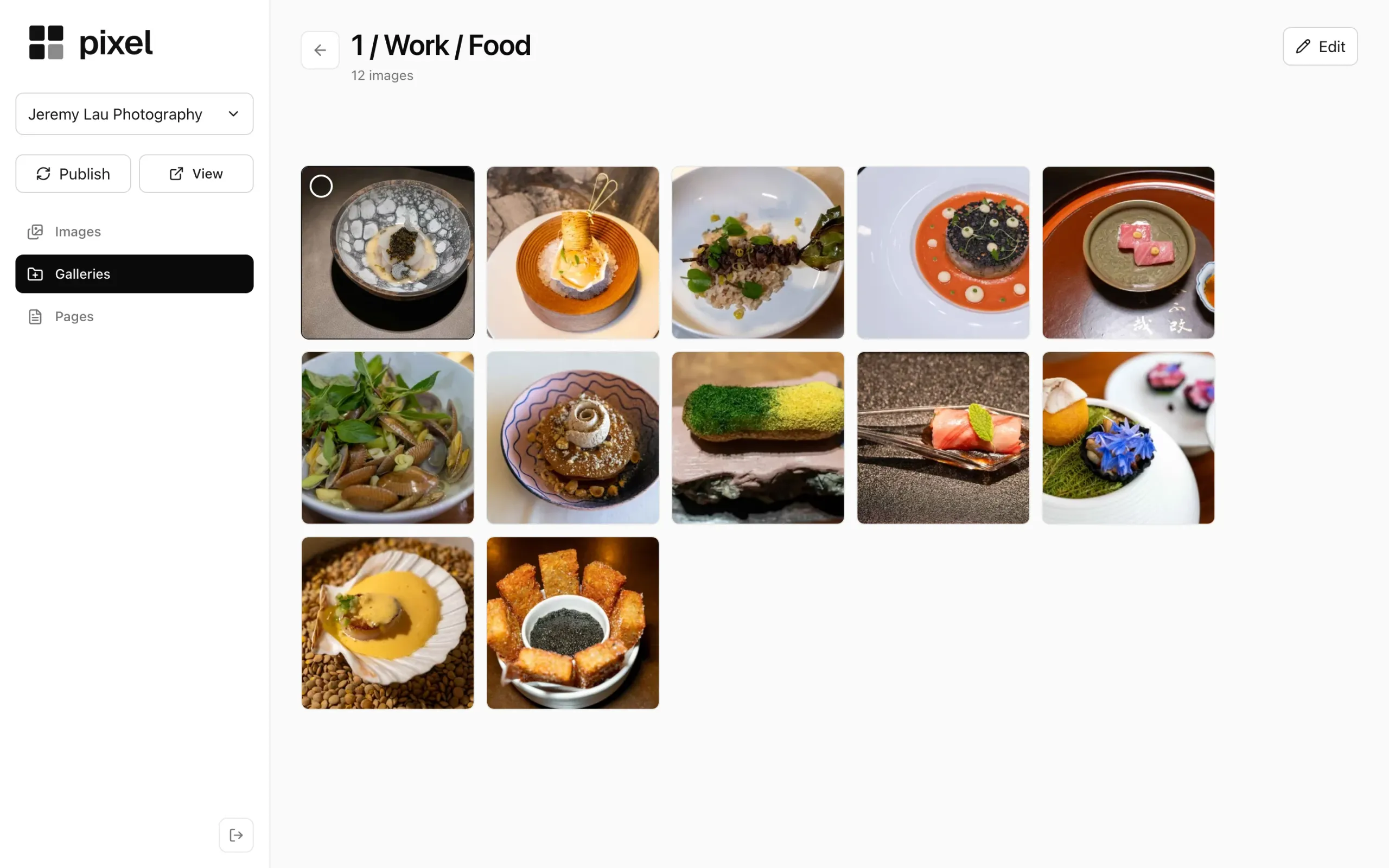
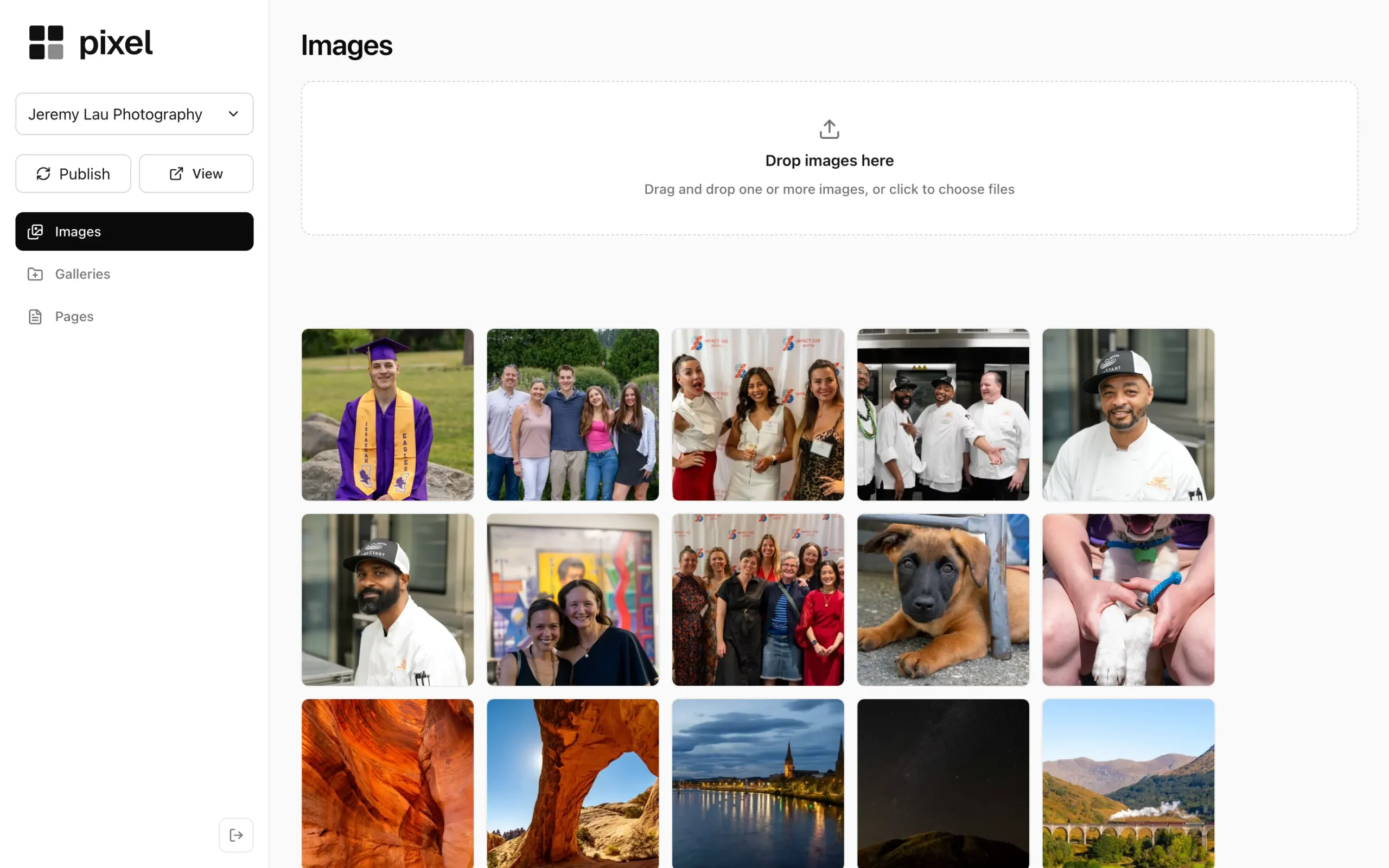
Drop photos into the image library and group them into galleries. Pixel makes the smaller, modern-format copies a fast site needs, so big photos don’t slow your pages down.
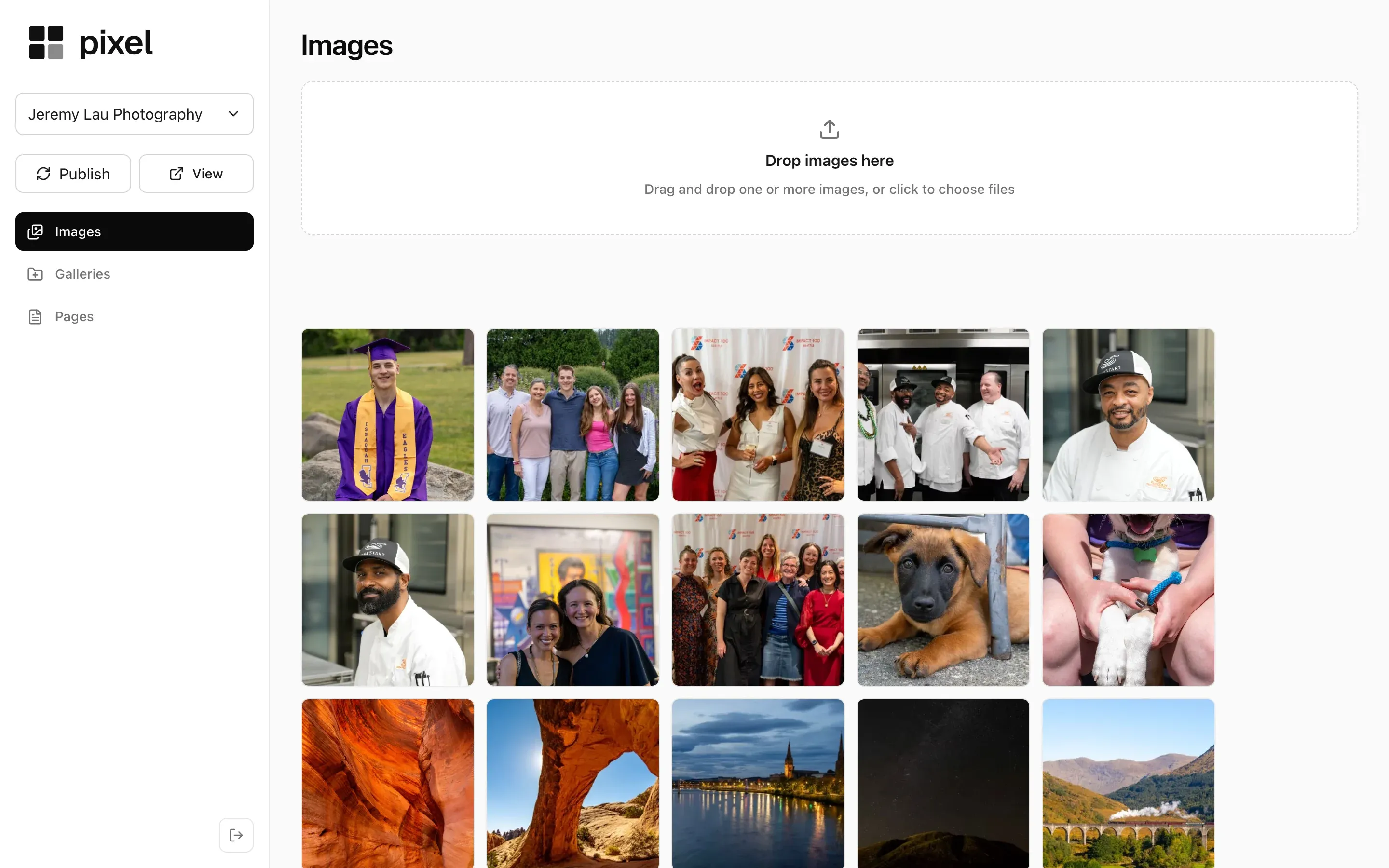
The image library: drag photos in, then use them anywhere on the site. Publish when it looks right
Your edits stay a draft until you press Publish. Then the live site updates on its own, with no rebuild and no waiting for me.
A few more things
- It works on your phone. A quick change doesn’t have to wait until you’re back at a desk.
- Your site stays fast. Visitors get the same quick pages; the editing tools only switch on when you open your site in Pixel.
- News and posts too. If your site has a blog or a news page, you write and publish posts in Pixel as well.
- Your content is yours. Export a ZIP of your pages, galleries, posts and original photos whenever you like.